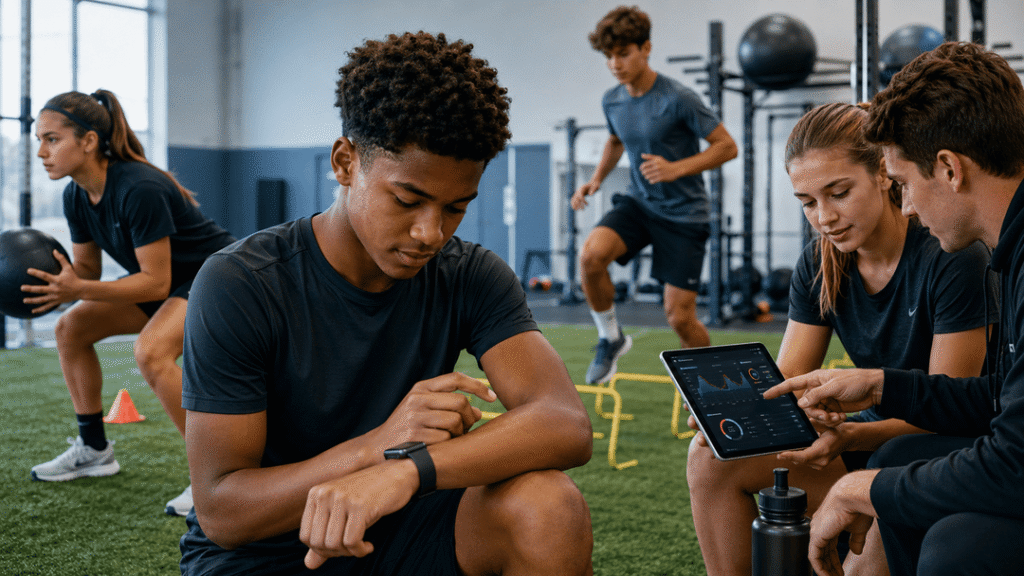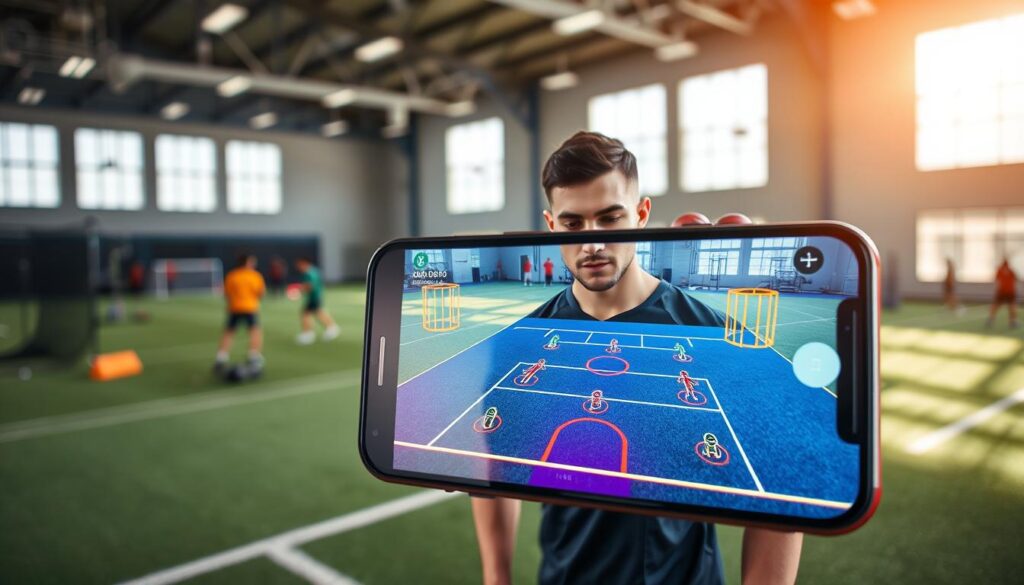
Imagine your next workout doesn’t need a gym or field. You can turn your living room or driveway practice area into a smart training spot with just your phone. This is what phone AR drills offer today.
This tech is a big change. It moves us from just watching screens to active play in real life. You’re not just watching; you’re playing in your own space. This active play is what athletes and pros need to get better fast.
The main benefits are huge. You can train anywhere, anytime, without fixed times or places. It’s fun, which makes you want to keep going. Plus, you get feedback right away, helping you get better fast.
These tools do more than just burn calories. They help you improve your spatial awareness and quick thinking. This is how you boost your Game IQ, making everyday activities into serious training.
Why AR suits small spaces
Imagine turning your living room into a full agility course with just your phone and an AR app. Many athletes and professionals face a big problem: no room for big training areas. Augmented reality solves this problem.
AR makes any small space work for you. A hotel room, office corner, or small backyard can become a top-notch training area. The secret is the cones overlay.
This digital system places markers and targets on your floor. You see everything through your phone, like real cones and patterns. This lets you train anywhere without any equipment.
Training becomes easy and fits into your busy life. A quick 10-minute drill before work or a 15-minute session in a hotel is now doable. Your training fits your schedule, not the other way around.
Here’s how the cones overlay system works in small spaces:
- Zero Physical Footprint: Digital markers need no space and leave no mess. Your area is ready for other uses when you stop training.
- Infinite Configurations: Change drills with just a few taps. The virtual space changes instantly.
- Precision and Consistency: Every session starts with perfect virtual boundaries. This helps you improve your technique.
This tech gives athletes the flexibility they need. It helps you stay sharp, no matter where you are or how much space you have. The cones overlay is more than a trick; it’s a tool that makes small spaces irrelevant.
With your phone and AR software, you have a portable training area. Small spaces become a digital grid that fits your needs. This makes quality training easy, not hard.
How AR works: plane detection, anchors, occlusion
The magic of AR drills relies on three key processes. Your smartphone performs these in real-time. They work together to make digital objects seem real in your space. This makes virtual defenders or goalposts seem convincingly real.
First, your phone scans your environment. This is where plane detection comes in. It uses the camera and sensors to find flat surfaces like floors and walls.
It uses computer vision to spot these planes. This tech is like the “computer recognition” in AR demos. The phone maps your space in three dimensions using visual data.
After finding a surface, you can place virtual objects on it. But for them to stay in place, spatial anchors are needed. These digital markers lock content to specific points in the real world.
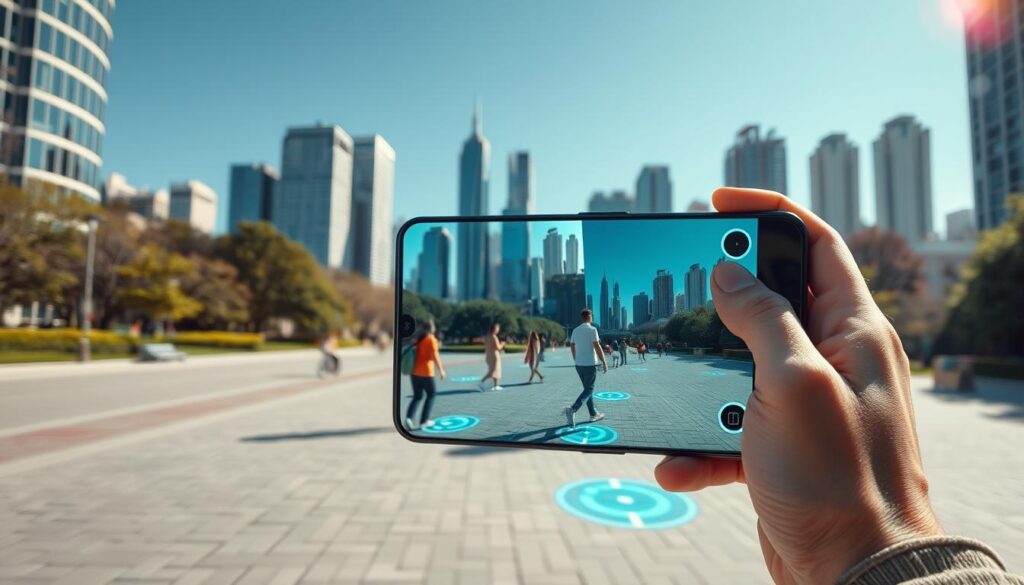
Spatial anchors are key for consistent drill setups. They let you see virtual hoops or cones from different angles. The object stays fixed, just like real sports equipment would.
This anchoring uses your phone’s sensors to track movements. Without spatial anchors, virtual elements would move unpredictably.
The third key process is occlusion. This makes virtual objects appear behind real-world objects. When a digital defender hides behind your couch, that’s occlusion at work.
Occlusion improves how you perceive space during training. It teaches your brain to understand depth and positioning better. Your phone decides what parts of the virtual object to show based on real-world obstacles.
These three technologies—plane detection, spatial anchors, and occlusion—are the base of mobile AR. They turn your living room into a training environment. The system blends digital content with physical reality convincingly.
All this is done through your phone’s standard hardware. The camera helps with visual data for plane detection and occlusion. Internal sensors handle positioning for anchors. Advanced software processes everything quickly.
This tech makes AR drills possible anywhere. You just need your smartphone. The system does the complex calculations automatically.
Knowing these processes helps you set up better training sessions. You’ll understand why placing virtual objects on detected surfaces works best. You’ll see how anchors keep your drill layout consistent between sessions.
Setup guides: living room/driveway; safety checklist
Turning your living room or driveway into a great spot for AR training needs some setup. You want your phone’s camera to track movements well and stay safe. We’ll show you how to do it for two common places.
In your living room setup, clear a path for safe movement. Move coffee tables, floor lamps, and rugs out of the way. You need a space of at least six feet by ten feet for most drills.
Find the best anchor points. A rug corner or a unique piece of furniture works well. Your AR app uses these points to keep virtual objects steady. Also, manage your lighting. Avoid direct sunlight on your phone’s screen and make sure the room is evenly lit to prevent tracking issues.
For driveway practice, you have more space. First, check the surface. Concrete is best, but make sure it’s clean and dry. Use the driveway’s edges, garage door, and sidewalk as your drill limits. This makes a clear “field of play” for your AR experience.
For the best camera tracking, practice in early morning or late afternoon. The softer, angled light reduces harsh shadows and glare, which can confuse your phone’s sensors.
Safety is key for all training. Before starting, go through this important checklist:
- Clear all obstacles: Double-check your movement area for toys, shoes, or garden hoses.
- Secure pets: Keep dogs and cats in another room to prevent tripping hazards and distractions.
- Wear proper footwear: Use non-marking, athletic shoes with good grip, for driveway practice.
- Maintain environmental awareness: AR is immersive, but you must always remember your real-world surroundings. Never back up blindly.
- Inform others: Let household members know you’re training to avoid unexpected interruptions.
By following these steps, you create a safe and reliable environment. A few minutes of preparation makes every session more productive and secure.
Drill library: hoops passing + AR defenders; soccer scan gates; cricket fielding angles; tennis ladders; baseball
This library of augmented reality drills makes any small area a personal coaching spot. It helps build game smarts for sports like basketball, soccer, cricket, tennis, and baseball. Your phone’s camera adds digital challenges to your surroundings.
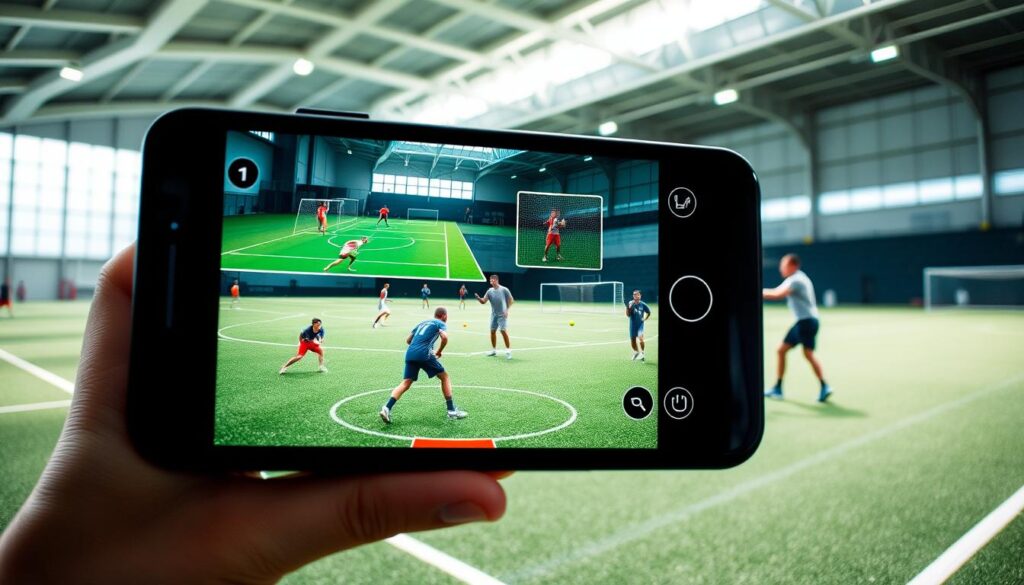
It’s like the next big thing in sports technology. Apps like Golfshot help golfers aim better. These sport-specific AR apps offer focused training. It’s your top spot for effective, space-saving practice.
Basketball: Passing Precision with Virtual Defenders
This drill sharpens your passing and decision-making. Use AR markers to set up spots in your room. Then, virtual defenders pop up to block your passes.
You need to scan and pass before the defender gets it. It teaches you to see passing angles under pressure, useful in games.
Soccer: Quick Scan and Pass Through Gates
This exercise boosts your vision and passing. Virtual gates appear in your space. You must pass through the right gate quickly.
These scan gates make you look up and assess space fast. It’s great for midfielders and defenders to improve their passing.
Cricket: Reactive Fielding Angles
Fielding drills don’t need a big field anymore. This AR drill shows ball paths from a virtual batsman. You must move to the right fielding angle.
It improves your anticipation and quickness. You can practice catching and fielding placements often, building muscle memory.
Tennis: Footwork Ladders with Visual Cues
Agility and court coverage are key. An AR ladder with arrows and zones lights up. You must move to the spots fast.
This drill enhances your lateral movement and direction changes. The visual cues help your brain process movement quicker.
Baseball & Softball: Pitch Recognition Training
Hitters can practice without a pitcher. A virtual strike zone appears on a wall. Different pitches are shown at various speeds.
Your task is to call “ball” or “strike” or swing at the right spot. This pitch recognition drill sharpens your spin and location skills, essential for hitting.
This collection shows how training tech has evolved. Augmented reality training offers focused, repeatable, and measurable practice. It turns small spaces into big opportunities for player development.
Cognitive pairing: scan–decide–execute loops
The secret to high Game IQ is mastering the scan-decide-execute cycle. This cycle is the mental engine of elite athletes. It happens fast, often without us realizing it.
Let’s look at each part. Scanning is taking in visual information. It’s not just looking at the ball. It’s also reading defender positions and teammate movements.
Deciding is the brain’s quick analysis of what it sees. It chooses the best action based on patterns and experience. The decision must be instant.
Executing is making that choice happen physically. It’s the accurate pass, the powerful shot, or the explosive first step. Without a great decision, flawless execution is useless.
Traditional drills focus on the execution phase. You repeat a physical motion until it’s perfect. Augmented Reality drills are different. They train all three phases together in a dynamic environment.
How does it work? An AR app adds digital cues to your real-world space. A virtual passing lane might suddenly close. Your living room floor becomes a field full of unpredictable events.
This setup creates authentic vision training. You must continuously scan a field that is part real and part digital. Your brain learns to recognize new patterns under simulated pressure.
The decision-making process is supercharged. You are not deciding based on a coach’s whistle. You are reacting to live, digital stimuli that change in real-time. This trains decision speed and accuracy like nothing else.
Here is how this cognitive pairing translates directly to game performance:
- Enhanced Peripheral Vision: You learn to see and process more information from the edges of your sight.
- Faster Pattern Recognition: Your brain gets better at predicting movements based on visual cues.
- Reduced Decision Lag: The time between seeing an option and choosing an action shrinks dramatically.
This is the true value proposition of using AR for sports training. It builds unshakeable Game IQ from the inside out. You are not just practicing a sport. You are conditioning the fundamental cognitive process that defines it.
Think of it as mental reps. Every time you complete an AR drill, you strengthen the neural pathways for the scan-decide-execute loop. This is how you build the calm, quick mind that thrives in competition.
Weekly 15-minute plans; stack with ball work
Can you improve your sports decision-making in just 15 minutes a week? Yes, with a simple phone app. These AR drills are quick and easy to fit into your day. They turn any space into a place for mental training.
Being consistent is more important than how long you train. Here’s a weekly 15-minute plan to get you started:
- Monday: Basketball Passing Reactions (5 min). Use an AR app to practice reading virtual defender movements and making quick pass decisions.
- Wednesday: Soccer Scan Gates (5 min). Improve peripheral vision and scanning speed by hitting virtual gates that appear in your periphery.
- Friday: Tennis Agility Ladders (5 min). Follow a dynamic AR footwork pattern on your floor to boost on-court movement anticipation.
This routine targets different cognitive skills across multiple sports. It keeps your brain sharp and adaptable.
The magic happens when you stack these sessions. Stacking means doing your cognitive AR drill right before your physical ball work. For example, do your 5-minute basketball AR passing drill, then start your shooting workout.
This method is supported by neuroscience. Cognitive priming gets your brain ready for specific decisions. Studies show that priming your brain first improves decision-making during physical activities. Your mind is already focused, so you learn and remember faster.
By stacking AR drills with ball work, you make the most of your time. You’re not just building physical strength; you’re also improving your game IQ. This efficient method ensures every minute of practice leads to smarter, more instinctive performance.
Begin with the simple weekly plan above. See how the brief mental workout sharpens your focus and decision speed during your main practice. This small investment can lead to big gains in your athletic intelligence.
App Roundup + a Simple DIY Drill (No-Code/Unity)
New AR fitness apps turn your phone into a training buddy. They offer fun and correct your form. We’ll look at top apps and create a simple drill from scratch.
These augmented reality apps fall into three types. Some make cardio fun. Others help with sports technique. A third group corrects your form in real-time. Below, we highlight the best apps in each category.
| App Name | Category | Sport / Primary Focus | Key AR Feature |
|---|---|---|---|
| Zombies, Run! | Reactive Fitness | Running / Cardio | Overlays audio narrative and virtual zombies in your environment to motivate sprints. |
| Golfshot | Sport-Specific Aid | Golf | Uses your camera to visualize shot lines, distances, and green topography on the actual course. |
| Gymnotize | Form Correction | General Fitness / Weightlifting | Provides skeletal tracking to analyze your movement and offer real-time posture feedback. |
| HomeCourt | Sport-Specific Aid | Basketball | Tracks shots and movement using phone’s camera, providing shot analytics and virtual challenges. |
Want a drill just for you? Creating a basic AR experience is easy. You don’t need to code. We’ll make a “Virtual Cone Touch” drill. It places digital cones around you. Your goal is to touch them fast, boosting agility and reaction time.
Build this using no-code tools or a Unity tutorial. Here’s a simple guide for both.
- No-Code Path (e.g., using Spark AR or similar): Pick a plane detection template. Add 3D objects (your “cones”) from the asset library. Make a cone disappear with a tap. Set a timer for a score challenge.
- Unity Path (for slightly more technical users): Download Unity and AR Foundation. Create an AR project. Detect floors with AR Plane Manager. Write scripts for cone placement and destruction with a tap.
The main steps are: detect a surface, anchor objects, and define interactions. This makes AR creation simple. You can create drills for any sport, like soccer or tennis.
Trying out these AR applications or making your own drill helps you understand tech better. This knowledge lets you innovate in your training.
Track progress: times, errors, success %
AR training is more than just an immersive experience. It gives you objective performance metrics to track over time. This helps you move from guessing to a data-driven practice routine.
You no longer rely on feeling like you’re improving. Instead, you have hard numbers. These numbers turn your “game sense” into evidence you can analyze and act on.
Most quality AR sports apps track three key metrics:
- Reaction Times: How fast you react to a virtual stimulus, like a passing lane opening or a ball being served.
- Error Rates: How often you make poor decisions, such as passing to a covered teammate or choosing the wrong defensive angle.
- Success Percentages: Your completion rate for a drill, showing how well you execute under pressure.
Reaction time data shows your quick thinking. A lower error rate means your decision-making is getting better. A higher success percentage shows you’re doing complex scans and moves more reliably.
This is the real-time feedback benefit in action. You don’t wait for a coach’s review; the app gives you instant, objective data on your workout. By logging these metrics weekly, you create a clear progress dashboard for your athletic mind.
Think of it as your personal Game IQ dashboard. Watching your reaction times drop and success rates climb over weeks motivates you. It turns practice into a targeted mission with clear, measurable goals.
This approach empowers you. You get concrete proof of your growth. It turns the idea of “getting smarter at your sport” into a chart of undeniable improvement.
Career spotlight: AR dev/product roles
Mastering AR drills does more than sharpen your skills. It opens a window into a high-growth tech field. The same spatial computing principles that place a virtual defender in your living room power a new wave of sports technology careers.
Companies like Nike and Under Armour seek AR Sports Developers. These professionals build the apps athletes use. They blend code with a deep understanding of sports pedagogy. Knowledge of platforms like Unity and Apple’s ARKit is essential.
UX Designers for athletic apps have a critical role. They ensure the training experience feels intuitive and effective. This job requires empathy for the user psychology of a frustrated player or a determined coach. The design makes the scan–decide–execute loop seamless.
Product Managers for fitness tech guide the vision. They decide which features, like the soccer scan gates or cricket fielding angles, get built. They bridge the gap between engineering teams, business goals, and user needs.
These roles demand a hybrid skill set. You need a passion for sport and a grasp of technology. This unique combination is valuable. The sports tech industry is expanding rapidly.
Exploring AR for personal training builds more than game IQ. It builds foundational knowledge for a tech industry career. Your hands-on experience with plane detection and virtual anchors provides a real-world context. This insight is powerful for anyone looking to enter the field of spatial computing.