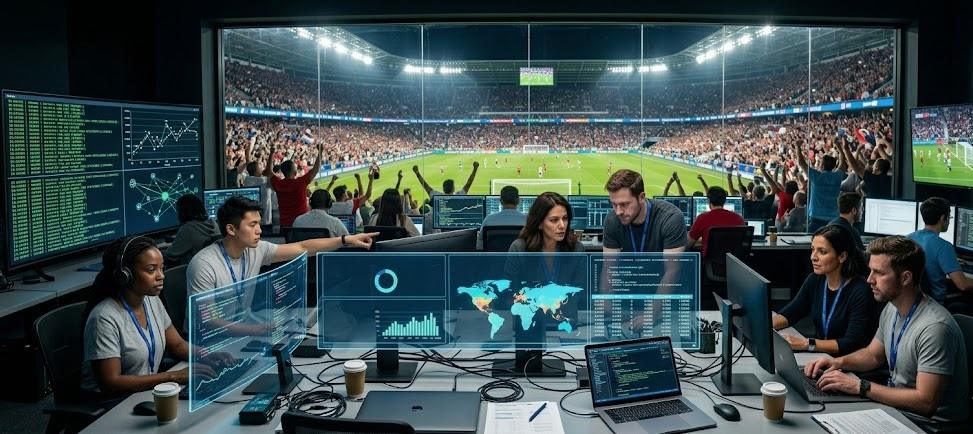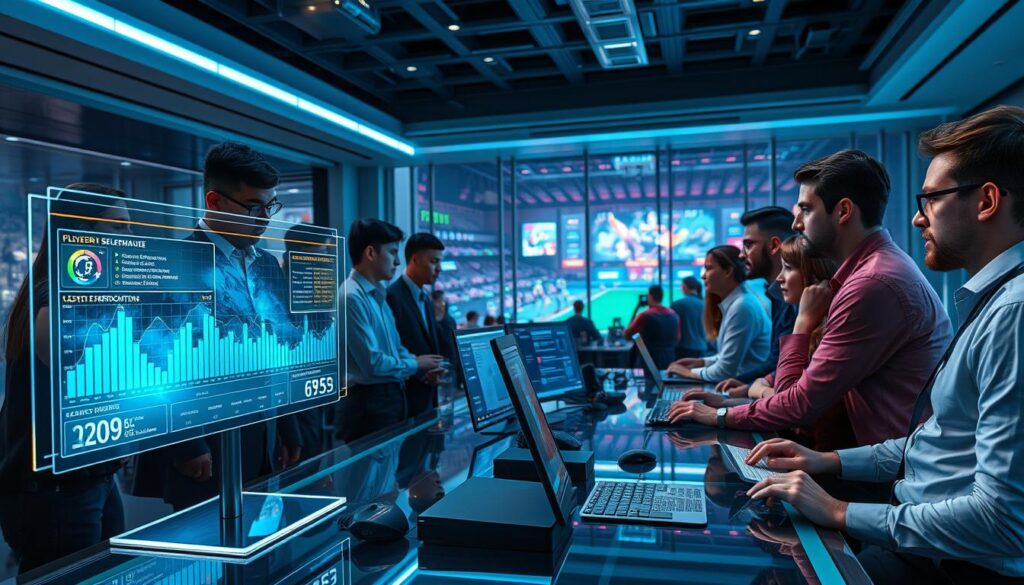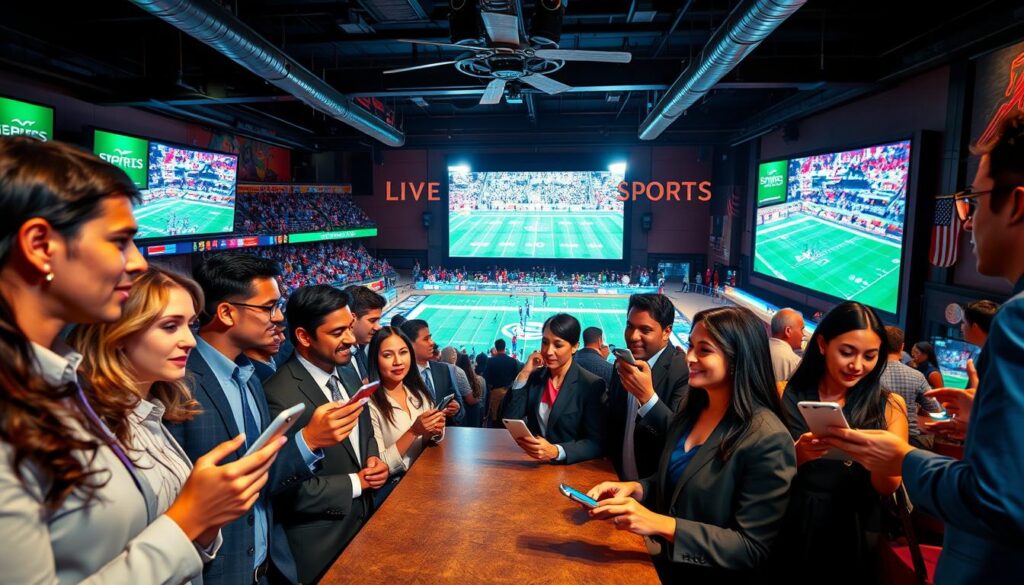
Watching the big game isn’t just about sitting back anymore. The screen has become a two-way street. A major shift is happening in how fans experience their favorite events.
Today’s digital streams turn viewers into active participants. This new model is defined by real-time polls, prediction games, and seamless shopping during the broadcast. It transforms a passive activity into a dynamic, social experience.
The core value is powerful. Engaged audiences stick around longer. They form stronger connections with brands. This directly opens new doors for revenue and loyalty. Media companies are investing heavily here, to reach younger fans who live on digital platforms.
These features are far from simple gimmicks. They are essential tools for audience connection and business growth. In a crowded content landscape, giving fans a voice and a role is the ultimate play.
Tech stack: low‑latency protocols, overlays, moderation
For sports streaming to feel instant and immersive, three key areas must work together. These are protocol, presentation, and protection.
This setup makes sure every poll, prediction, and purchase is perfectly timed. It also keeps the experience safe and smooth for viewers worldwide.
Imagine a viewer’s prediction slider moving a full second after the play. That’s a big spoiler. For interactivity to work, it must match the live action exactly.
Low latency streaming protocols like WebRTC are key here. They reduce delay to under a second. This creates a direct, real-time connection between the stream and the viewer’s device.
The system handles live data in a special way. It stores key moments and stats as “retrievable snapshots.” Then, it delivers these elements at the exact millisecond they’re needed in the stream. This works, no matter the broadcast delay or timing issues.
Infrastructure like Agora’s is built for scale. It supports real-time synced data for millions of users at once. This ensures your interactive features work flawlessly, whether you have 1,000 or 1,000,000 viewers.
2. The Presentation: Interactive Overlays
Protocols get the data, but overlays are what viewers see and interact with. Think of them as a dynamic, transparent layer over the live video.
This layer hosts all interactive elements—polls, trivia, predict‑along sliders, and shoppable tags. A good overlay integrates smoothly. It adds functionality without taking away from the main event.
These overlays use the real-time data snapshots. When a big play happens, the system shows the right interactive element on the overlay. To the viewer, it feels like a natural part of the broadcast.
3. The Protection: Built-In Moderation
Safety and brand suitability are not afterthoughts. They’re part of the tech stack from the start. When you enable live chat, co‑watch rooms, or user‑generated audio, moderation tools are there.
A complete stack includes real-time moderation for video, chat, and audio. This is key for a positive environment. It’s vital for diverse global audiences and protecting minors.
Automated filters and human moderators work together. They check content for inappropriate material before it’s shared. This protects your brand and creates a community where fans want to stay.
These pillars form a complete technical backbone. Powerful low latency streaming via protocols like WebRTC ensures sync. Intelligent overlays provide the engaging interface. And robust moderation safeguards the community. This triad allows you to build interactive experiences that are captivating, scalable, and responsible.
Features: predict‑along sliders, trivia, co‑watch rooms, instant merch drops
To keep today’s digital audience engaged, broadcasters need a special toolkit. This toolkit turns viewers into active participants. It helps your business grow in real ways.
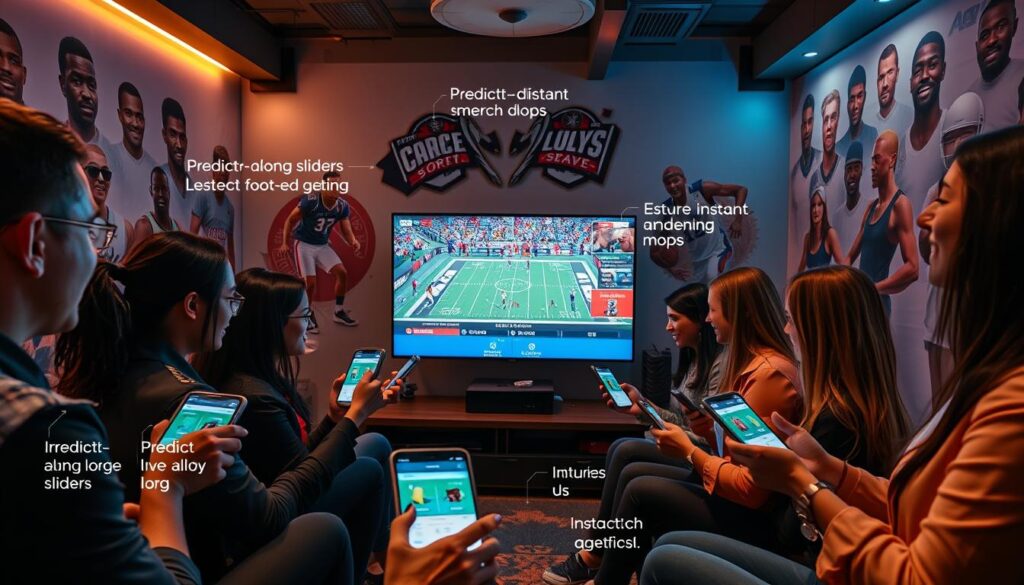
Predict‑along sliders turn guessing into a fun game. Viewers guess who will score next or what will happen next. It’s suspenseful and makes them feel invested. Plus, it gives you valuable insights into what they think and know.
Interactive trivia and fan polls test what viewers know during breaks. These quick moments make everyone feel included. Networks like Canal+ and NASCAR have seen viewers stay tuned longer because of polls. It’s a way to share the experience.
Co‑watch rooms bring the excitement of watching with friends online. It fights the feeling of being alone while watching. Inspired by music apps, it lets friends watch together and chat. This builds loyalty and a sense of community.
Instant merch drops offer special items when something exciting happens. This taps into the live shopping trend. It turns excitement into impulse buys, creating a new way to make money.
| Feature | Engagement Mechanism | Primary Business Outcome |
|---|---|---|
| Predict‑Along Sliders | Real‑time gamification | Audience data collection |
| Trivia & Fan Polls | Communal knowledge testing | Viewer retention & interaction |
| Co‑Watch Rooms | Social viewing & chat | Community building & loyalty |
| Instant Merch Drops | Live commerce prompts | Direct monetization (ARPU) |
These features together create a powerful tool for engagement. Predict‑along and fan polls get people involved. Co‑watch builds community. Merch drops make money. Each one has its own purpose, helping your business succeed.
Design rules: don’t steal focus; accessibility; safety for minors
Designing for live interaction is more than adding elements. It’s about creating an experience that enhances without distracting. The most innovative features fail if they disrupt the core content—the game itself. This section outlines the essential design rules that ensure your interactive layer adds value responsibly.
The cardinal rule is don’t steal focus. Every poll, prediction slider, or trivia question must feel like a natural extension of the broadcast. Imagine a critical penalty kick moment. An oversized, flashing prediction widget would infuriate viewers. The goal is complementation, not competition.
This is where modular, customizable design becomes critical. Think of your interactive toolkit as a set of brand-aligned Lego blocks. You can layer logos, color schemes, and animations that match your broadcast’s aesthetic. This seamless integration ensures interactive elements feel native, not like a disruptive third-party add-on.
Accessibility is a non-negotiable pillar of modern design. It’s both an ethical imperative and a smart business practice. An accessible interactive experience opens your content to a wider audience, including those with visual, auditory, or motor impairments.
Key considerations include:
- Keyboard Navigation: All interactive features must be fully operable without a mouse.
- Screen Reader Compatibility: Text descriptions for all visual elements and real-time updates.
- Color Contrast & Text Size: Ensure legibility for viewers with low vision.
- Closed Captioning Integration: Sync interactive prompts with on-screen captions.
The most sensitive area involves safety for minors. Live sports attract audiences of all ages, and platforms must proactively create safe environments. This builds immense trust with parents, sponsors, and leagues.
Effective safety hinges on robust, multi-layered moderation systems. Pre-built and custom filters should scan user-generated content in chats and polls for inappropriate language. Real-time video and audio moderation can flag harmful content broadcast alongside the stream.
Design choices matter. Avoid features that might encourage oversharing of personal information from young viewers. Age-gate certain interactive rooms or implement parental controls where appropriate. A safe space is a engaging space.
By adhering to these design rules—keeping the game central, ensuring universal accessibility, and prioritizing safety for minors—you build more than a feature set. You build a reputable, inclusive, and sustainable interactive experience that audiences and partners will return to.
KPIs: Participation %, ARPU, Session Time (Responsible Targets)
Interactive features are a treasure trove of zero-party data. The key to unlocking its value is in monitoring the right performance indicators. These metrics show if your audience is engaged and if your platform is growing.
Forget vanity metrics. The real story of interactive success is in three core Key Performance Indicators (KPIs). These numbers connect directly to user behavior and platform health.
Let’s break down what each one measures and why it matters for your business goals.
| KPI | What It Measures | Direct Business Impact | Responsible Target Mindset |
|---|---|---|---|
| Participation Percentage | The raw rate of viewers who interact with polls, predictions, or trivia during a stream. | Indicates feature relevance and audience engagement quality. High participation is a strong signal to sponsors. | Aim to increase by improving feature design and placement, not by forcing interaction. |
| Average Revenue Per User (ARPU) | The average monetary value generated from each active user, often via instant merch drops, exclusive access, or virtual tips. | Directly ties interactive features to monetization. Shows the commercial value of your engaged audience. | Focus on offerings that enhance the experience, not exploit it. |
| Session Time | How long viewers remain in your interactive stream compared to passive viewing. | A critical retention metric. Proves interactivity’s power to hold attention and reduce churn. | Use data to understand what keeps viewers glued and create more of that content. |
Together, these KPIs do more than track performance. They unlock the zero-party data mentioned in your sources. This is data users willingly provide through their interactions.
You gain clear insights into preferences, content desires, and purchasing intent. This information is priceless for tailoring future streams and building compelling sponsorship packages.
The concept of responsible targets is key here. The goal is to use this data ethically to improve the viewer experience, not just to extract value. Your aim should be a positive feedback loop: better interactions lead to better data, which leads to a better, more engaging platform.
Mastering these metrics allows you to move from guessing to knowing. For a deeper dive into strategic metric analysis, explore our guide on Key Performance Indicators (KPIs). It reinforces how data-driven decisions fuel sustainable growth.
Build: no‑code overlay + basic HTML/CSS project
Adding interactive features to your live stream doesn’t need a huge engineering effort. It’s designed to be flexible, fitting your technical resources and speed needs.
You have two main options. The first is a no-code overlay studio for marketing teams. The second is a basic HTML/CSS project for full branding control.
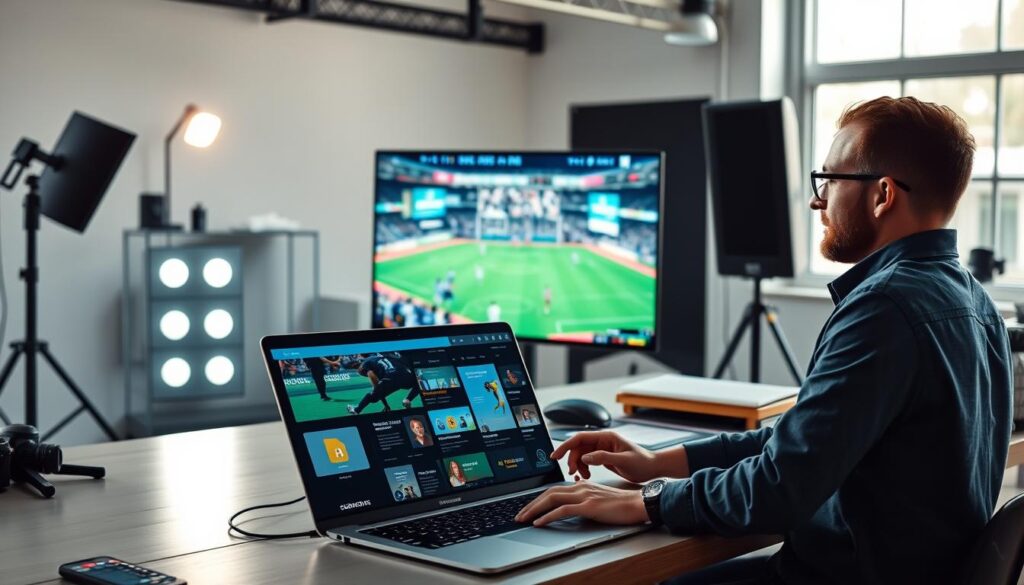
The no-code solution is quick. It uses a visual, drag-and-drop studio. Your team can create interactive elements without coding. You can launch polls, trivia, and shoppable streams in minutes.
This method is about being efficient. You can add these tools to your broadcast platform with simple embed codes. It lets non-technical staff quickly deploy live commerce overlays for instant product drops.
For deeper integration and custom branding, the developer route is best. It uses SDKs and REST APIs in your own project. A developer can integrate interactive features into your site or app.
This approach offers more customization. You control the look, feel, and user flow. You can create custom live commerce overlays that match your brand perfectly. This usually takes one to four weeks.
The following table compares the two options to help choose the right one for your project.
| Build Method | Primary Tools | Integration Timeline | Ideal For | Customization Level |
|---|---|---|---|---|
| No-Code Overlay Studio | Visual Builder, Embed Codes | Within Minutes | Marketing teams, quick campaign launches, testing new features | Moderate (template-based with configurable options) |
| Basic HTML/CSS Project | Developer Hub, SDK, REST APIs | 1 – 4 Weeks | Developers, product teams, brands requiring full UI/UX control | High (full code-level access for unique implementations) |
| Hybrid Approach | Combine Embed Codes with Custom CSS | Hours to Days | Teams wanting faster launch with light branding tweaks | Medium (brand colors/fonts applied to pre-built components) |
This phased strategy shows adding real-time engagement is flexible. Start simple with a no-code overlay to test interest. Then, invest in a custom build for a better experience. The choice depends on your current goal.
Careers: product ops, stream engineer, community mgr
Advanced interactive features need a dedicated team of humans. A successful live strategy is all about people, not just code. Investing in three key roles is essential for lasting success.
A Product Ops professional makes the interactive experience come alive in real-time. They plan polls, trivia, and drop shoppable items. Their work turns a static broadcast into a dynamic, engaging show.
The Stream Engineer keeps the technical side running smoothly. They handle the low-latency protocols and overlay systems. They ensure the stream runs without lag or crashes, keeping viewers fully immersed.
A Community Manager creates a safe and positive space for viewers. They manage conversations, answer questions, and use moderation tools. For streams with minors, this role is critical for safety.
To build a future in live entertainment, you need the right team. Roles in product ops, stream engineering, and community management are key. They turn great tech into unforgettable experiences for viewers.